system.time(rnorm(9999999)) user system elapsed
0.143 0.005 0.147 Benchmarking is the process of timing the execution of code for the purpose of comparison. For example, you can compare the execution time of a program in two different systems, e.g. a laptop and a high performance server. Another common case is to compare the performance of two different programs that produce the same output on the same computer.
Profiling refers to timing the different steps of a program to identify bottlenecks and potential targets for optimization.
system.time(): Time the execution of an expressionThe base package’s system.time() function allows you to measure the execution time of an R expression.
system.time(rnorm(9999999)) user system elapsed
0.143 0.005 0.147 “elapsed” time is real time in seconds.
“user” and “system” are time used by the CPU on different types of tasks (see ?proc.time).
As always, you can pass any R expression within curly brackets:
x <- rnorm(9999)
system.time({
    for (i in 2:9999) {
      x[i]
      x[i] <- x[i]^3
    }
})
user system elapsed
0.001 0.000 0.001 You can use replicate() to get a measure of time over multiple executions and average it:
boxplot(fit.glm_time10)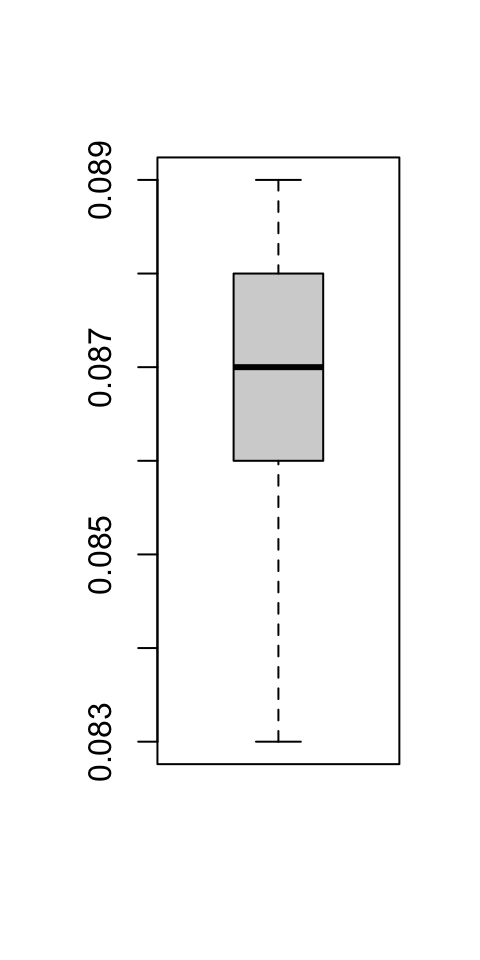
microbenchmark::microbenchmark()
The microbenchmark package’s microbenchmark() function allows you to time the execution of multiple expressions with sub-millisecond accuracy. It will execute each command a number of times as defined by the times argument (default = 100), and output statistics of execution time per expression in nanoseconds. Using plot() on the output produces a boxplot comparing the time distributions.
# install.packages("microbenchmark")
library(microbenchmark)Let’s create xmat, a 500 by 5 matrix and, xdf a data.frame with the same data.
set.seed(2021)
xmat <- matrix(rnorm(500 * 5), nrow = 5)
xdf <- as.data.frame(xmat)
If you wanted to square either of them, you would just use ^2. Here, we create a function specifically to demonstrate the difference in working on a numeric matrix vs. a data.frame by using a nested loop that replaces each element one at a time.
mat_df_sq <- microbenchmark(
  silly_square_mat = silly_square(xmat),
   silly_square_df = silly_square(xdf),
       mat_squared = xmat^2,
        df_squared = xdf^2
)
Warning in microbenchmark(silly_square_mat = silly_square(xmat),
silly_square_df = silly_square(xdf), : less accurate nanosecond times to avoid
potential integer overflowsclass(mat_df_sq)[1] "microbenchmark" "data.frame" Print microbenchmark’s output:
mat_df_sqUnit: nanoseconds
expr min lq mean median uq max
silly_square_mat 76711 79191.5 94437.76 80770.0 82451 1201218
silly_square_df 26629131 27223713.0 28182246.67 27795273.5 28258922 43339788
mat_squared 656 1025.0 1747.42 1578.5 2091 4961
df_squared 6699482 7007597.0 7478352.85 7203515.5 7784178 13629507
neval
100
100
100
100Notice how a) either operation is much faster on a matrix vs. a data.frame and b) vectorized squaring with ^2 is much faster than the nested loop as expected.
There is a plot() method for microbenchmark objects:
plot(mat_df_sq)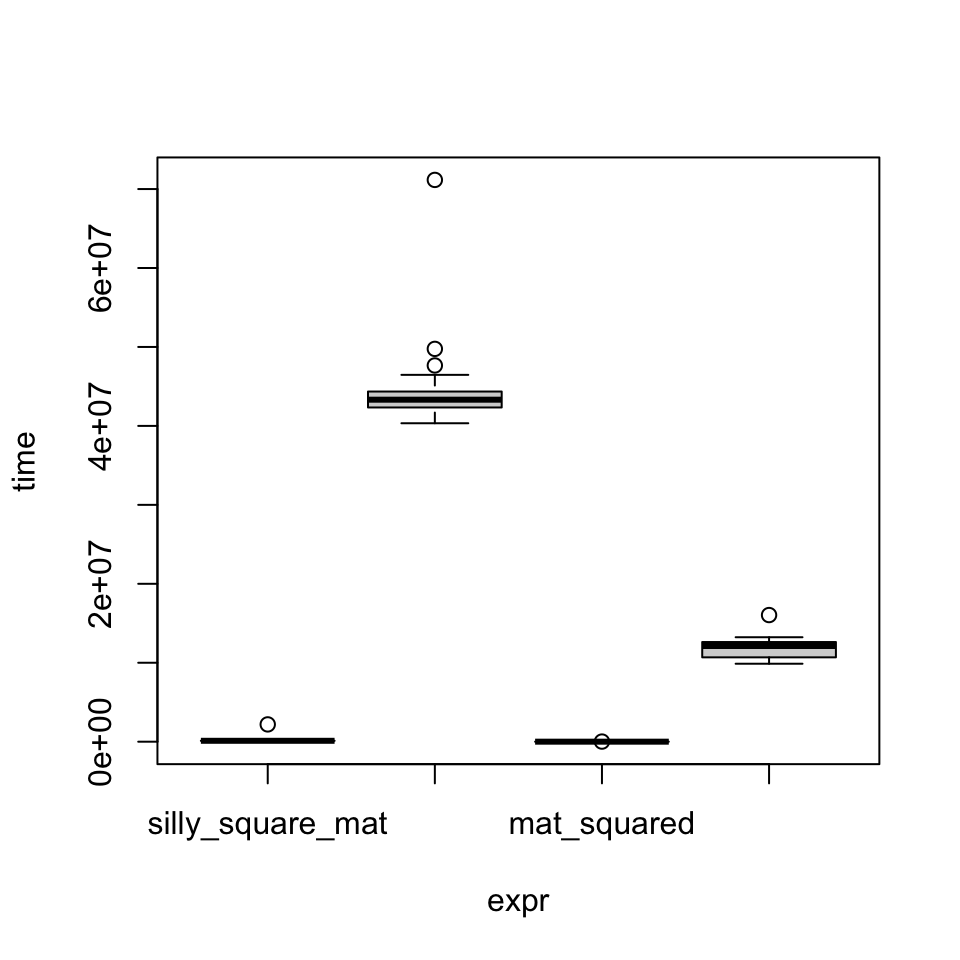
Let’s perform a simple mean-by-group operation and compare three different approaches. As an example, we use the flights dataset from the nycflights13 package which includes data on 336,776 flights that departed from NY area airports in 2013. The data comes as a tibble, and we create data.frame and data.table versions.th
Attaching package: 'dplyr'The following objects are masked from 'package:stats':
filter, lagThe following objects are masked from 'package:base':
intersect, setdiff, setequal, union
Attaching package: 'data.table'The following objects are masked from 'package:dplyr':
between, first, lastThe following object is masked from 'package:base':
%notin%[1] "tbl_df" "tbl" "data.frame"dim(flights)[1] 336776 19flights_df <- as.data.frame(flights)
flights_dt <- as.data.table(flights)Compare performance of the same operation using different functions:
aggregate() with formula inputaggregate() with list inputtapply()
flights_aggregate_formula <- function() {
  aggregate(arr_delay ~ carrier,
            data = flights_df,
            mean, na.rm = TRUE)
}

flights_aggregate <- function() {
  aggregate(flights_df$arr_delay,
            by = list(flights_df$carrier),
            mean, na.rm = TRUE)
}

flights_tapply <- function() {
  tapply(flights_df$arr_delay,
         flights_df$carrier,
         mean, na.rm = TRUE)
}

groupmean_3x <- microbenchmark(
  aggregate_formula = flights_aggregate_formula(),
          aggregate = flights_aggregate(),
             tapply = flights_tapply()
)groupmean_3xUnit: milliseconds
expr min lq mean median uq max
aggregate_formula 31.734574 33.152354 35.113243 33.703702 35.043377 59.97513
aggregate 27.871021 29.134887 30.730340 29.793121 30.723001 57.98761
tapply 7.897789 8.067221 9.350599 8.195367 8.951858 31.40764
neval
100
100
100plot(groupmean_3x)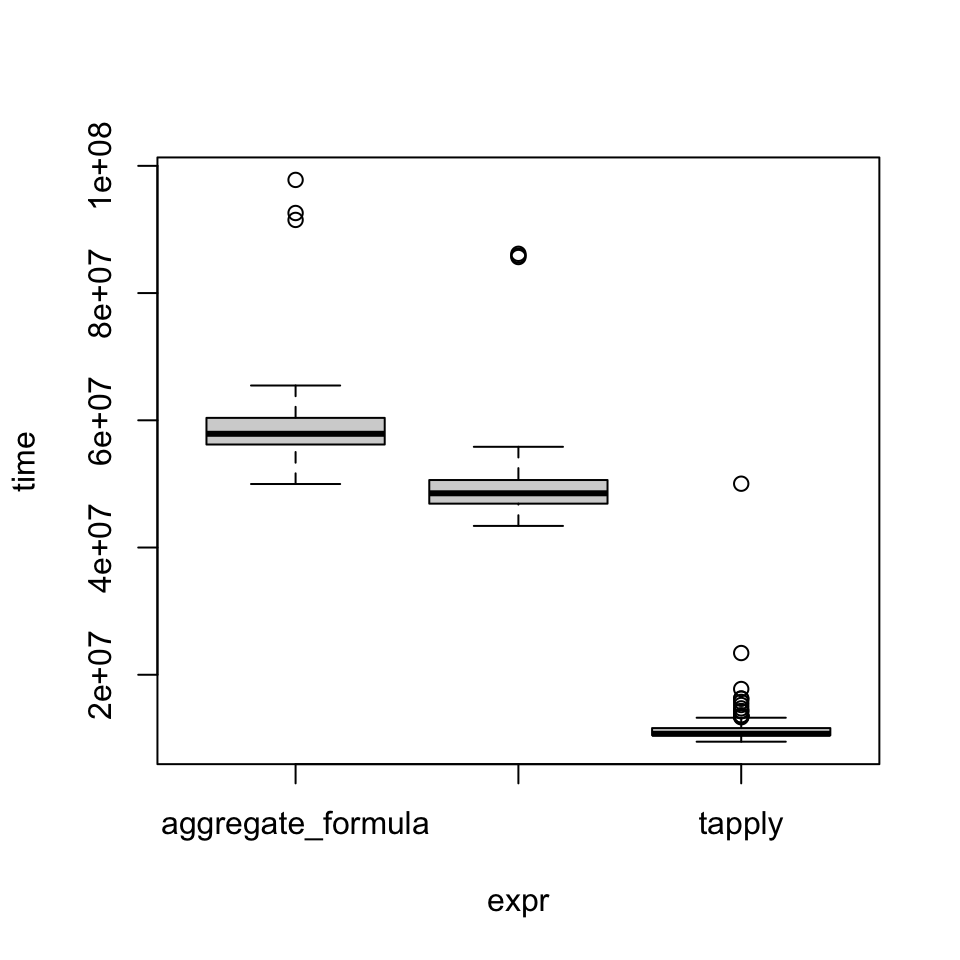
profvis()
The profvis package’s profvis() function provides an interactive output to visualize the time spent in different calls within a program.
library(profvis)
profvis({
  hf <- read.csv("https://archive.ics.uci.edu/ml/machine-learning-databases/00519/heart_failure_clinical_records_dataset.csv")
  str(hf)
  lt5 <- which(sapply(hf, \(i) length(unique(i))) < 5)
  for (i in lt5) hf[, i] <- factor(hf[, i])
  index_numeric <- which(sapply(hf, is.numeric))
  par(mfrow = c(1, length(index_numeric)))
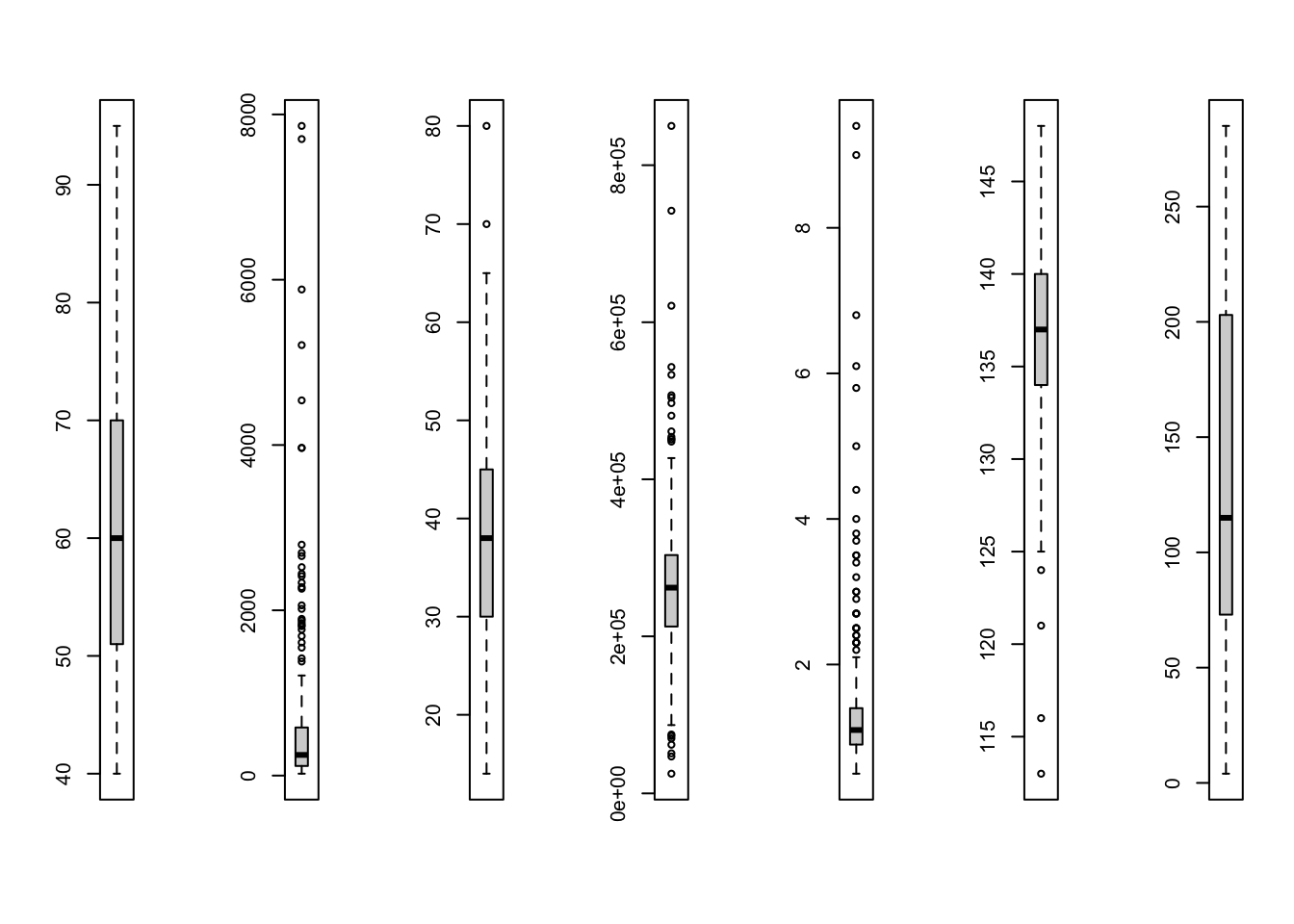
  for (i in index_numeric) boxplot(hf[, i])
  par(mfrow = c(1, 1))
})
'data.frame': 299 obs. of 13 variables:
$ age : num 75 55 65 50 65 90 75 60 65 80 ...
$ anaemia : int 0 0 0 1 1 1 1 1 0 1 ...
$ creatinine_phosphokinase: int 582 7861 146 111 160 47 246 315 157 123 ...
$ diabetes : int 0 0 0 0 1 0 0 1 0 0 ...
$ ejection_fraction : int 20 38 20 20 20 40 15 60 65 35 ...
$ high_blood_pressure : int 1 0 0 0 0 1 0 0 0 1 ...
$ platelets : num 265000 263358 162000 210000 327000 ...
$ serum_creatinine : num 1.9 1.1 1.3 1.9 2.7 2.1 1.2 1.1 1.5 9.4 ...
$ serum_sodium : int 130 136 129 137 116 132 137 131 138 133 ...
$ sex : int 1 1 1 1 0 1 1 1 0 1 ...
$ smoking : int 0 0 1 0 0 1 0 1 0 1 ...
$ time : int 4 6 7 7 8 8 10 10 10 10 ...
$ DEATH_EVENT : int 1 1 1 1 1 1 1 1 1 1 ...